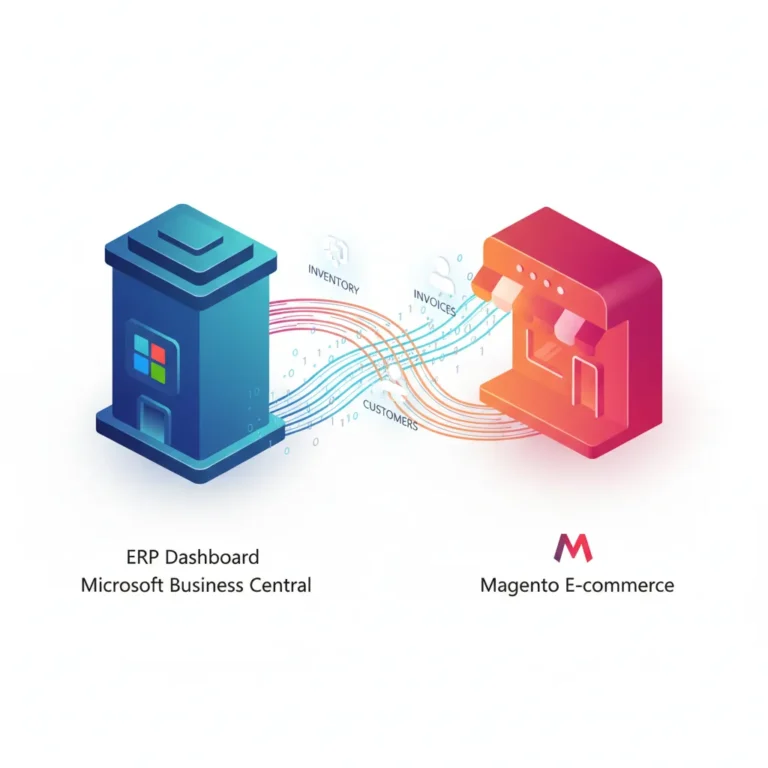
How Business Central WooCommerce Integration Works
Summary
Business Central WooCommerce integration connects your WooCommerce store with Microsoft Dynamics 365 Business Central so orders, inventory, customers, and products stay synchronized automatically.
Learn how Business Central WooCommerce integration works, including order sync, product updates, inventory management, and automated data flow between both systems. Business Central WooCommerce integration solves this problem by connecting both systems. It allows products, customers, inventory, and orders to move automatically between WooCommerce and Business Central. The result is smoother operations, accurate data, and far less manual work for the team.
What Business Central WooCommerce Integration Means

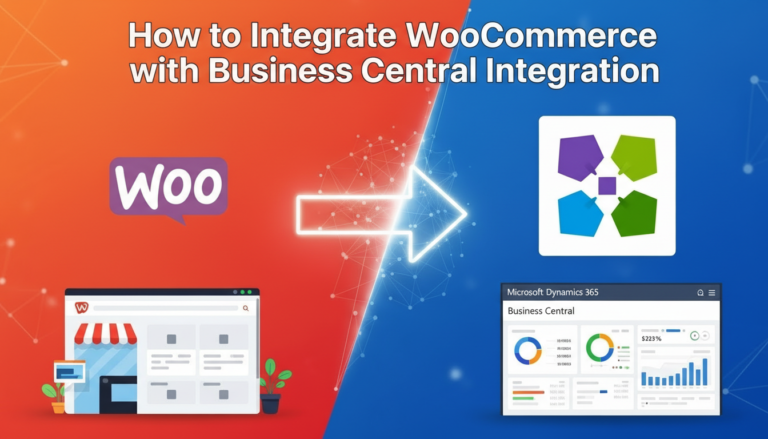
Business Central WooCommerce integration is a direct connection between an online store and an ERP system. WooCommerce manages the front-end shopping experience, while Business Central handles financial records, inventory control, and operational processes.
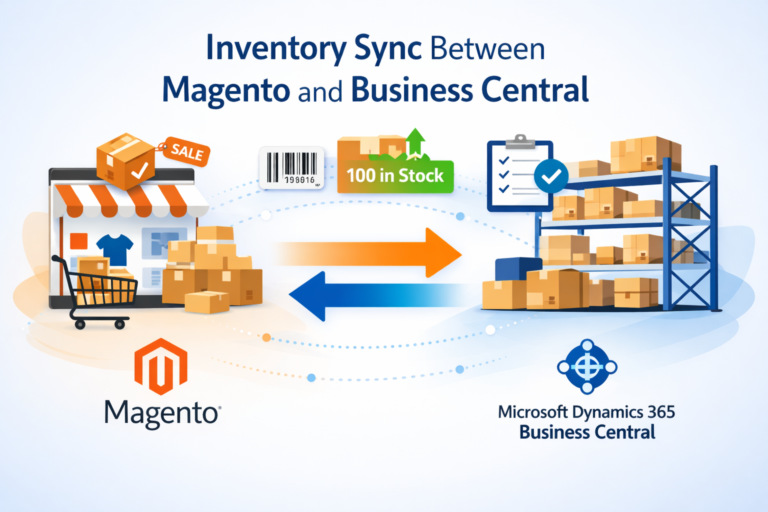
Instead of entering the same data twice, the integration allows information to move between both systems automatically. Orders created in WooCommerce appear in Business Central, while stock changes made in Business Central update the online store. This connection creates a single source of truth for business data. Teams can manage operations from Business Central while the WooCommerce store continues to handle online sales.
How Data Flows Between WooCommerce and Business Central
The integration works through connectors or APIs that allow both platforms to exchange information in real time or at scheduled intervals. When an event happens in one system, the relevant data is transferred to the other system.
Several types of information usually move between the two platforms.
Before looking at the process step by step, here are the main data areas typically synchronized:
- Products and product variations
- Inventory quantities and stock levels
- Customer accounts and contact details
- Orders placed in the WooCommerce store
- Shipment tracking and invoices
Because both systems share the same information, the business avoids duplicate records and mismatched inventory.
Step-by-Step Process of the Integration
Understanding the workflow helps explain how the integration supports daily operations. Each step happens automatically once the connection is configured.
Product Data Sync
Products are usually created and maintained in Business Central. Details such as SKU, pricing, descriptions, and categories are sent to WooCommerce so the store displays accurate product information. If a product is updated in Business Central, the change can be reflected in the WooCommerce store automatically.
Inventory Updates
Inventory is typically managed inside Business Central because it connects with purchasing and warehouse records. When stock levels change, the integration sends the updated quantity to WooCommerce. This helps prevent overselling and ensures customers see the correct availability while shopping.
Customer Data Creation
When a new customer places an order on the WooCommerce store, their information is transferred to Business Central. The ERP system creates a customer record with billing and shipping details. This keeps the customer database complete and ready for accounting, invoicing, or future orders.
Order Synchronization
Once a customer places an order, the order details move automatically from WooCommerce to Business Central. The ERP system receives information such as products ordered, quantities, shipping address, and payment details. The order can then move through internal processes such as fulfillment, invoicing, and shipment.
Shipment and Invoice Updates
After the order is processed in Business Central, shipping information and invoice details can be sent back to WooCommerce. Customers can see order status updates directly in their online account. This creates a smooth experience for both the business team and the customer.
Key Benefits of Integrating WooCommerce With Business Central
Businesses that run online stores often struggle with manual work and disconnected systems. Integration solves these operational issues by allowing both platforms to share information automatically.
After implementation, companies typically experience improvements in several areas:
- Reduced manual data entry between systems
- Accurate inventory across the store and ERP
- Faster order processing and fulfillment
- Fewer errors in pricing, stock, or customer records
- Better visibility of sales and financial data
These improvements help teams focus on managing orders and customers instead of correcting data.
Example Workflow of WooCommerce and Business Central Integration
The integration becomes easier to understand when viewed as a simple operational flow. The following table shows a common workflow for a typical online order.
Step |
Action in WooCommerce |
Process in Business Central |
| 1 | Customer places order | Order record is created |
| 2 | Payment confirmed | Sales order appears in ERP |
| 3 | Inventory deducted | Stock updated in warehouse records |
| 4 | Order shipped | Shipment details recorded |
| 5 | Invoice generated | Invoice data synced to WooCommerce |
This workflow allows the business to manage everything from a single ERP system while WooCommerce handles customer-facing activities.
Common Integration Methods
There are several ways to connect WooCommerce with Business Central depending on the business setup and technical requirements.
Most integrations rely on connectors, middleware tools, or custom API connections. These options allow data to move automatically without manual input.
Common integration approaches include:
- Dedicated WooCommerce Business Central connectors
- Middleware integration platforms
- Custom API-based integration solutions
Each approach offers different levels of flexibility, automation, and customization depending on business needs.
When Businesses Usually Need This Integration
Many growing eCommerce businesses reach a point where manual processes start slowing operations. This often happens when order volume increases or inventory management becomes more complex.
Businesses usually consider WooCommerce and Business Central integration when they experience issues like:
- Frequent stock mismatches between systems
- Delays in order processing
- Duplicate customer records
- Time-consuming manual data entry
Integration removes these bottlenecks and allows systems to work together automatically.
Simplify WooCommerce and Business Central Integration With New Wiz Tech
Connecting WooCommerce with Microsoft Dynamics 365 Business Central can greatly improve how an online business operates. When both systems share product data, orders, customers, and inventory automatically, teams spend less time managing spreadsheets and manual updates. You can also learn about “How to Integrate WooCommerce with Business Central”
At New Wiz Tech, we help businesses connect their WooCommerce stores directly with Business Central so daily operations run smoothly from one place. Our integrations synchronize products, inventory, orders, customers, shipments, and invoices in real time. We also provide Business Central implementation, customization, and ongoing support to ensure the system fits each business perfectly. The goal is simple: accurate data, smoother order handling, and reliable systems that support long-term growth.
Need expert guidance on this topic? Our team is ready to help you with clear answers and practical next steps.
Free Consultation Session
Final Thoughts
Business Central WooCommerce integration helps businesses manage online sales and internal operations from one connected system. Instead of handling separate platforms and repeating the same work, the integration allows orders, products, inventory, and customer information to move automatically between WooCommerce and Microsoft Dynamics 365 Business Central. For growing eCommerce businesses, this connection brings accuracy, faster order processing, and better visibility across operations. With the right integration approach, companies can focus on fulfilling orders and serving customers while their systems keep everything synchronized behind the scenes.
Frequently Asked Questions
What is Business Central WooCommerce integration?
It is a connection that allows WooCommerce and Microsoft Dynamics 365 Business Central to exchange data automatically. Products, orders, customers, and inventory stay synchronized between both systems.
Does WooCommerce update inventory from Business Central automatically?
Yes. When inventory levels change in Business Central, the integration can update the WooCommerce store so customers always see the correct stock availability.
Can WooCommerce orders be processed inside Business Central?
Yes. Orders placed in WooCommerce can automatically appear as sales orders in Business Central, where they can be processed, shipped, and invoiced.
Is real-time synchronization possible?
Many integration solutions support real-time or near real-time data updates. This ensures orders, inventory, and customer information remain accurate across both systems.
Do I need custom development for the integration?
Not always. Many businesses use existing connectors or middleware solutions. However, custom integrations may be needed when workflows or data structures are more complex.