Business Central OpenCart integration for B2C and B2B
Automate core eCommerce operations between one Microsoft Dynamics 365 Business Central company and one OpenCart website. The connector supports B2C and B2B workflows, including standard and customer-specific pricing.
1 BC company1 OpenCart websiteB2C and B2B$1,499/yearImplementation and support
Commerce synchronization
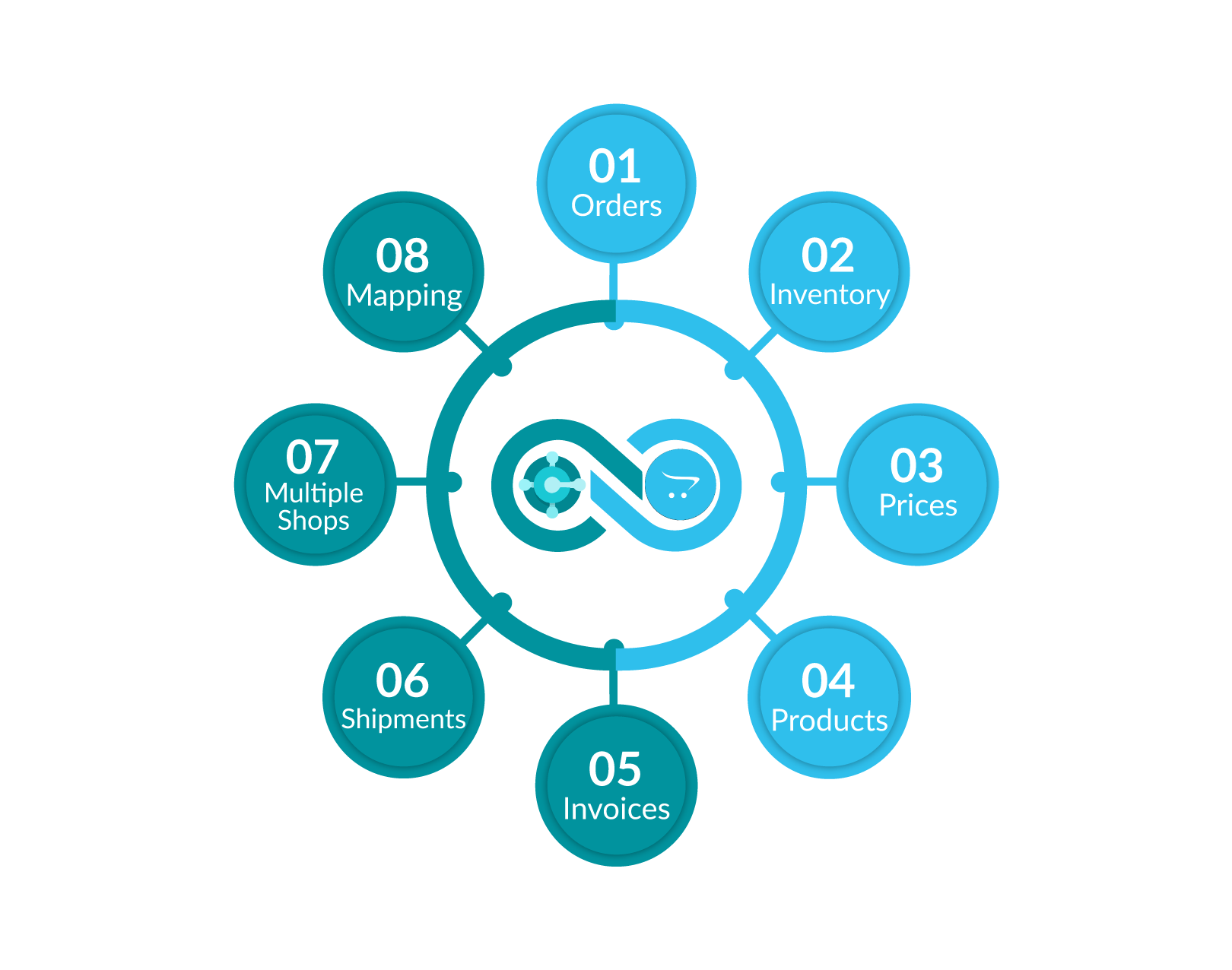
Connect orders, customers, products, options, categories, inventory, prices, shipments, tracking and invoices.
Controlled mappings
Align tax, shipping methods, payment methods, currency, product references, customer data and discount rules.
Promotional package
Subscribe for one year and receive the second year free. The promotion ends December 31, 2027.
Clear package scope
The annual price covers one Business Central company and one OpenCart website. Additional scope is quoted separately.
Who this integration is for
The Business Central OpenCart integration is designed for growing retailers, wholesalers and distributors that want Business Central to remain the operational source of truth while OpenCart manages the online buying experience. It is suitable for teams replacing spreadsheet imports, duplicate order entry and manual inventory updates with controlled connector workflows.
During discovery, New Wiz Tech reviews the OpenCart API extension, Business Central configuration, catalogue structure, customer groups, pricing rules, fulfilment process and reporting requirements. This prevents unsupported assumptions and creates a documented implementation scope before development begins.
Explore our Microsoft Dynamics 365 Business Central services or review the official OpenCart platform for general platform information.
OpenCart API requirement
Yes, a suitable third-party API extension is required. A default OpenCart installation does not provide every API capability needed for this Business Central integration. The customer must purchase an appropriate API extension from the OpenCart Marketplace or another third-party provider.
New Wiz Tech reviews the selected API, confirms coverage and customizes the connector around the API extension. The API extension licence and vendor fees are not included in the $1,499 annual New Wiz Tech package.
What the connector synchronizes
| Data | Typical direction | Purpose |
|---|
| Orders and customers | OpenCart → Business Central | Create operational and customer records without duplicate entry. |
| Products, options and categories | Business Central → OpenCart | Maintain the online catalogue from Business Central. |
| Inventory | Business Central → OpenCart | Publish accurate stock availability. |
| Standard and customer-specific prices | Business Central → OpenCart | Support B2C and B2B pricing. |
| Shipments, tracking and invoices | Business Central → OpenCart | Keep fulfilment and documents current. |
| Tax, shipping, payment and currency | Mapped configuration | Align both systems before transactions run. |
Important: final field coverage and synchronization directions depend on the purchased OpenCart API extension and are validated before implementation.
Implementation considerations
Before configuration begins, the project team confirms item identifiers, OpenCart product options, category hierarchy, warehouse locations, customer matching rules, tax treatment, shipping services, payment methods and currency behaviour. B2B projects also document customer groups, negotiated price lists, discount logic and order approval requirements. These decisions determine the exact mappings and reduce errors when production synchronization starts.
Testing uses representative B2C and B2B transactions rather than isolated field checks. The process covers new and existing customers, simple and option-based products, inventory changes, standard and customer-specific prices, taxes, shipping charges, payments, order creation, fulfilment, tracking and invoices. Exceptions are recorded in the activity log so the implementation team can correct mappings or API behaviour before go-live.
After launch, monitoring confirms that scheduled jobs complete and that API responses remain within the selected extension’s limits. New Wiz Tech provides ongoing connector support, while the customer or API vendor remains responsible for the third-party OpenCart extension licence, availability and vendor-side updates.
How implementation works
Four controlled stages take OpenCart and Business Central from disconnected systems to tested, supported synchronization.
01Connect
Review the OpenCart API extension and configure authenticated access to OpenCart and Business Central.
02Map and configure
Align products, options, customers, pricing, tax, shipping, payments, currency and business rules.
03Test
Validate products, inventory, customers, B2C and B2B pricing, orders, shipments and invoices end to end.
04Go live
Activate approved flows, monitor synchronization and provide ongoing support.