

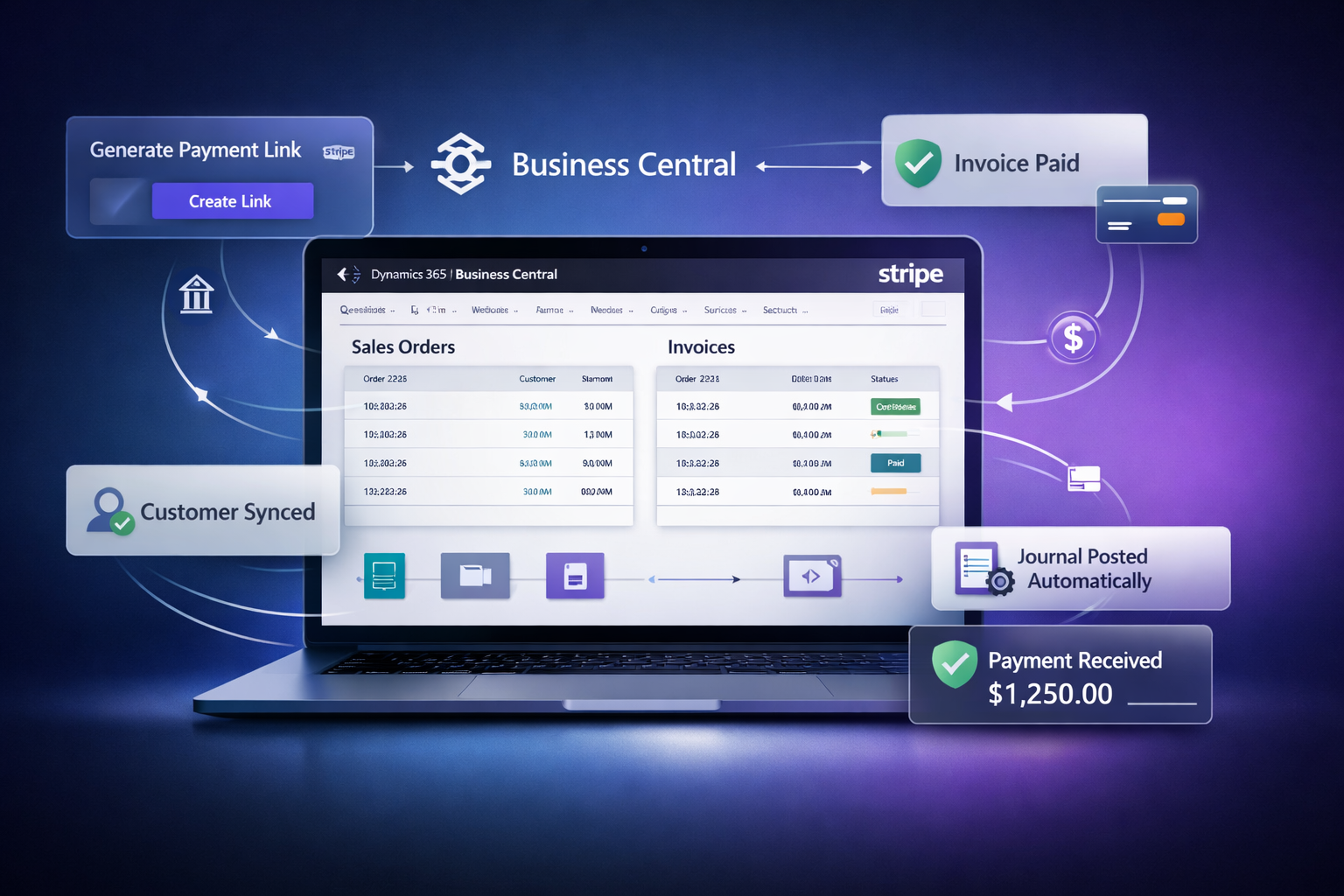
Generate Stripe payment links directly from Sales Orders and Invoices, automate journal posting, and sync customers — all without leaving Dynamics 365 Business Central.
Works with
The NWT Stripe Connector brings Stripe’s power into your existing Business Central workflow — no switching tabs, no manual reconciliation.
Generate Stripe payment links directly from Sales Orders and Posted Sales Invoices with one click. Full and partial payment amounts supported.
Send payment links to customers via email using customizable templates configured in your BC email account. Track if emails were sent per link.
When a customer pays, the connector automatically creates and posts a payment journal entry to your configured General Journal template and batch.
Link your BC customers to Stripe by phone or email. Sync items and products to Stripe's product catalog for itemized checkout pages.
Every API call to Stripe is logged with request, response, HTTP status, and user ID. Configurable retention days with automatic cleanup.
Monitor payment statuses — Pending, Paid, Failed, Expired, Refunded — automatically via Job Queue or on-demand with a single click.
Simple Setup
Install from AppSource or deploy an .app file — then configure your Stripe account and start collecting payments.
Find "NWT Business Central Stripe Connector" on Microsoft AppSource and install it into your BC environment.
Add your Stripe secret API key, enable the account, set it as default, and run Test Connection to verify.
Sync your BC customers to Stripe by phone or email, and map BC items to Stripe products for itemized checkouts.
Open any Sales Order or Invoice, create a payment link, email it to your customer, and watch payments post automatically.
Why Teams Love It
Stop copying payment links between systems. The connector automates the full cycle from link generation to journal posting.
Payments received in Stripe are automatically posted to your BC General Journal — zero manual reconciliation.
Collect deposits or split payments by creating multiple payment links with custom amounts on a single document.
Your Stripe secret key is stored securely and masked from view. API keys in logs are automatically redacted.
Configure and switch between multiple Stripe accounts — ideal for multi-entity or multi-region businesses.
Prerequisites
The connector has minimal requirements and works with standard BC and Stripe configurations.
Microsoft Dynamics 365 Business Central version 26.0 or higher required.
An active Stripe account at stripe.com with access to the Stripe Dashboard.
A secret key from Developers → API Keys. Starts with sk_live_ (production) or sk_test_ (testing).
A configured email account in BC for sending payment link notifications to customers.
A General Journal template and batch for automatically posting received payments.
SUPER role or extension management rights in BC to install and configure the extension.
Licensing
Start with a free demo license to explore the connector, then upgrade to production when you’re ready to scale.
Perfect for evaluation and testing with your team before going live.
Full-featured subscription for live payment collection at scale.
Join businesses already using NWT Stripe Connector to eliminate manual payment work inside Business Central.
Yes. The Free version includes all connector features for one Business Central company and one Stripe account, with a limit of 30 invoices per month and email support.
The Paid version costs $300 per year for one Business Central company. It removes the monthly invoice limit, supports unlimited Stripe accounts, and includes Priority Technical Support, training, deployment, and ongoing support.
Both plans cover one Business Central company. The Free version supports one Stripe account, while the Paid version supports unlimited Stripe accounts.
The connector supports Microsoft Dynamics 365 Business Central SaaS and supported On-Premises environments running version 26 or later.
Yes. Users can generate secure Stripe payment links directly from Business Central Sales Orders and Posted Sales Invoices. Full and partial payment amounts are supported.
Yes. The connector supports full payments, partial payments, and Stripe refunds while keeping the payment status visible in Business Central.
When a Stripe payment is confirmed, the connector can automatically create and post the payment journal entry in the configured Business Central General Journal. Teams can also use manual review where required.
Yes. Business Central customers can be linked to Stripe using phone or email, and Business Central items can be synchronized with the Stripe product catalog for itemized checkout pages.
The Free version includes email support. The Paid version includes Priority Technical Support, training, deployment assistance, and ongoing support.
Yes. The NWT Business Central Stripe Connector is available on Microsoft AppSource. It can also be deployed using an extension .app file in supported Business Central environments.