
EZPZ Payment Reminder
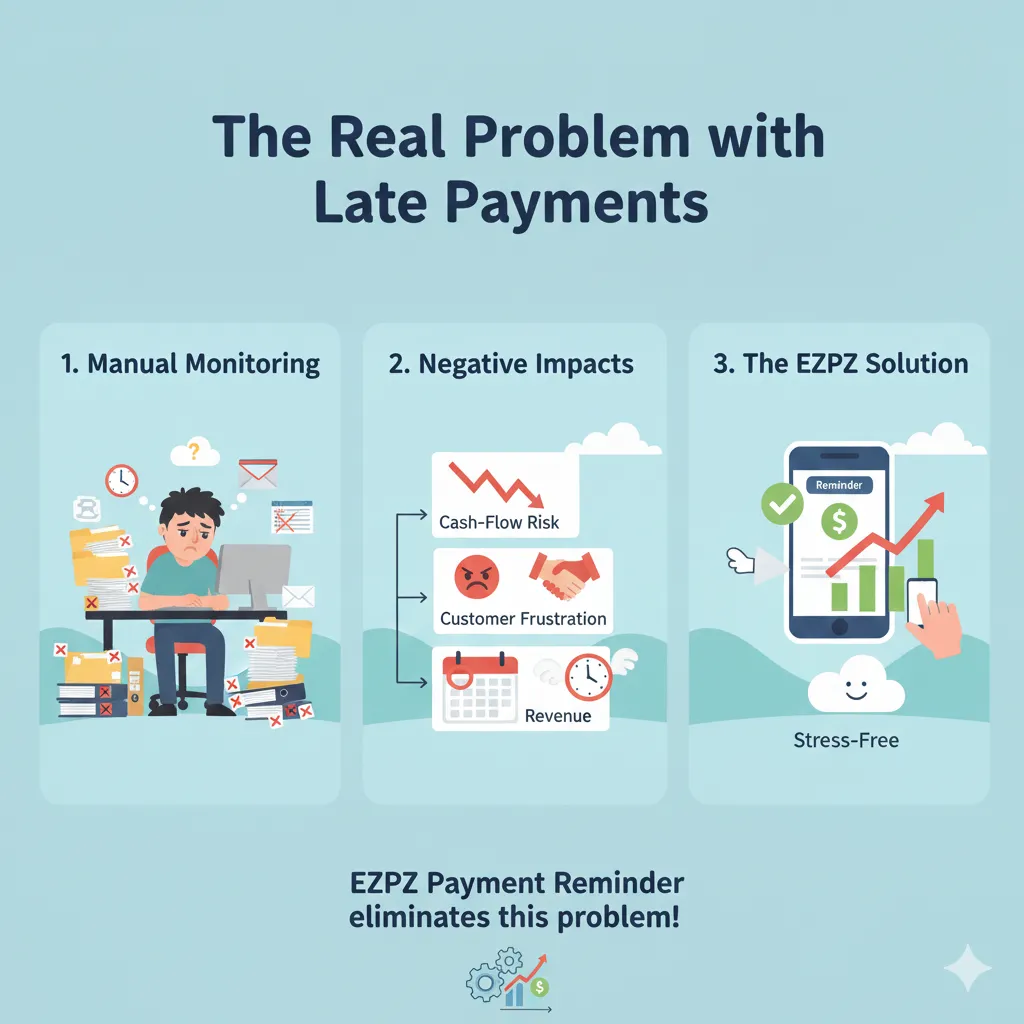
The Real Problem with Late Payments
Late customer payments are one of the biggest cash-flow risks for B2B businesses. Finance teams waste valuable time manually checking overdue invoices, drafting reminder emails, attaching PDFs, tracking responses, and following up again and again.
This manual approach causes inconsistency, missed follow-ups, customer frustration, and delayed revenue. EZPZ Payment Reminder eliminates this problem entirely.
What EZPZ Payment Reminder Does
Automated Reminder Rules
Create multiple reminder rules based on minimum due amount, customer balance, grace periods, and any sales-related field.
Multi-Level Dunning
Automatic Stop on Payment
Detailed Feature Overview
Advanced Filters
Filter reminders using customer fields, document fields, due dates, balances, or custom sales logic.
Customer & Invoice Exclusions
Exclude specific customers or individual invoices to handle disputes or special agreements.
Email Templates & Placeholders
Fully customizable subject, body, and signature. Use placeholders like Customer Name, Invoice No, Due Date, and Total Due Amount.
PDF Invoice Attachments
Automatically attach overdue invoice PDFs to every reminder, improving clarity and payment speed.
CC, BCC & Test Emails
Include internal teams or accountants. Send test emails before enabling automation.
Complete Audit Logs
Track every sent email. See exactly which invoices were included in each reminder.
Simple & Transparent Pricing
$180 / Year
Features
- Unlimited reminders
- Unlimited customers
- No Setup Fees
- 1-Month Free Demo
- 30-Day Money-Back Guarantee
- Premier Support Included
- Automatic Updates
- No Hidden Charges
- Small changes included
Support, Updates & Commitment
Premier Support
Direct access to Business Central experts who understand ERP finance workflows and real-world requirements.
Always Up-to-Date
Actively maintained and supported for the latest Microsoft Dynamics 365 Business Central versions.
Fair & Transparent
No hidden fees, no forced upgrades, and flexibility for reasonable enhancement requests.
Frequently Asked Questions
Is there a free demo?
Yes, 1 month free demo.
Are there any setup fees?
No. Zero setup or onboarding fees.
What happens after the demo?
Is there a money-back guarantee?
Are updates included?
Does it support latest BC versions?
Yes.
Any hidden charges?
Can reminders stop automatically?
Is support included?
Yes, premier support.