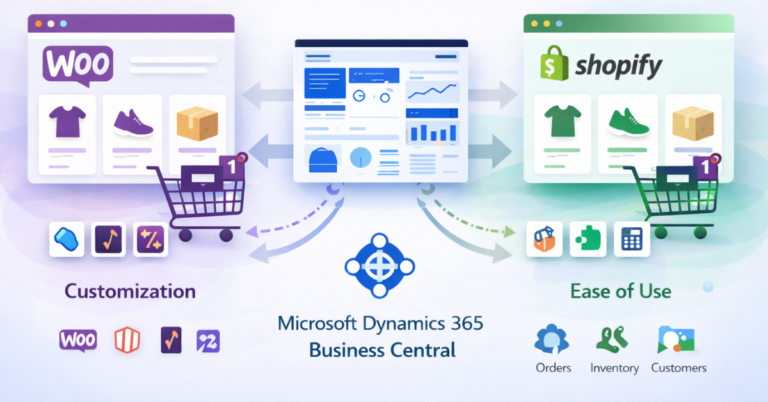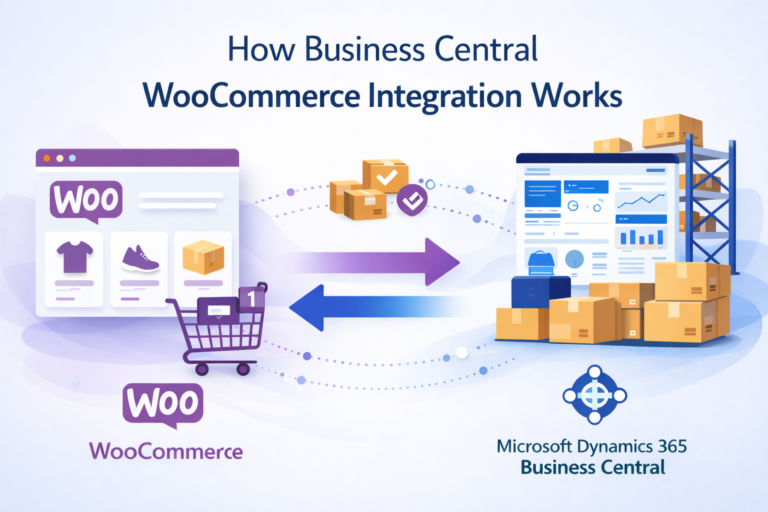
WooCommerce Dynamics 365 Integration Explained
Learn how WooCommerce Dynamics 365 integration works, how it syncs orders, inventory, customers, and products with Microsoft Dynamics 365 Business Central to simplify eCommerce operations. WooCommerce Dynamics 365 integration means connecting a WooCommerce online store with Microsoft Dynamics 365 Business Central so both systems exchange data automatically. Orders created in WooCommerce appear in Business Central, while inventory and product updates from the ERP reflect in the store without manual work.
For businesses handling dozens or hundreds of daily orders, managing data in two systems separately often leads to mistakes and delays. Integration solves this by keeping product data, stock levels, customers, and order details synchronized between WooCommerce and the ERP system. This connection helps teams manage operations from one place while the online store continues to run smoothly.
What WooCommerce Dynamics 365 Integration Means
WooCommerce Dynamics 365 integration connects an eCommerce platform with an ERP system so business data flows between them automatically. WooCommerce manages the storefront, while Business Central handles accounting, inventory, and operational processes.
Without integration, staff must manually copy order details, update stock, and track customer data across systems. This process takes time and increases the chance of errors.
With integration in place, the systems exchange data automatically. When a customer places an order in WooCommerce, the information appears inside Business Central where teams manage invoicing, shipping, and financial records.
How WooCommerce Dynamics 365 Integration Works
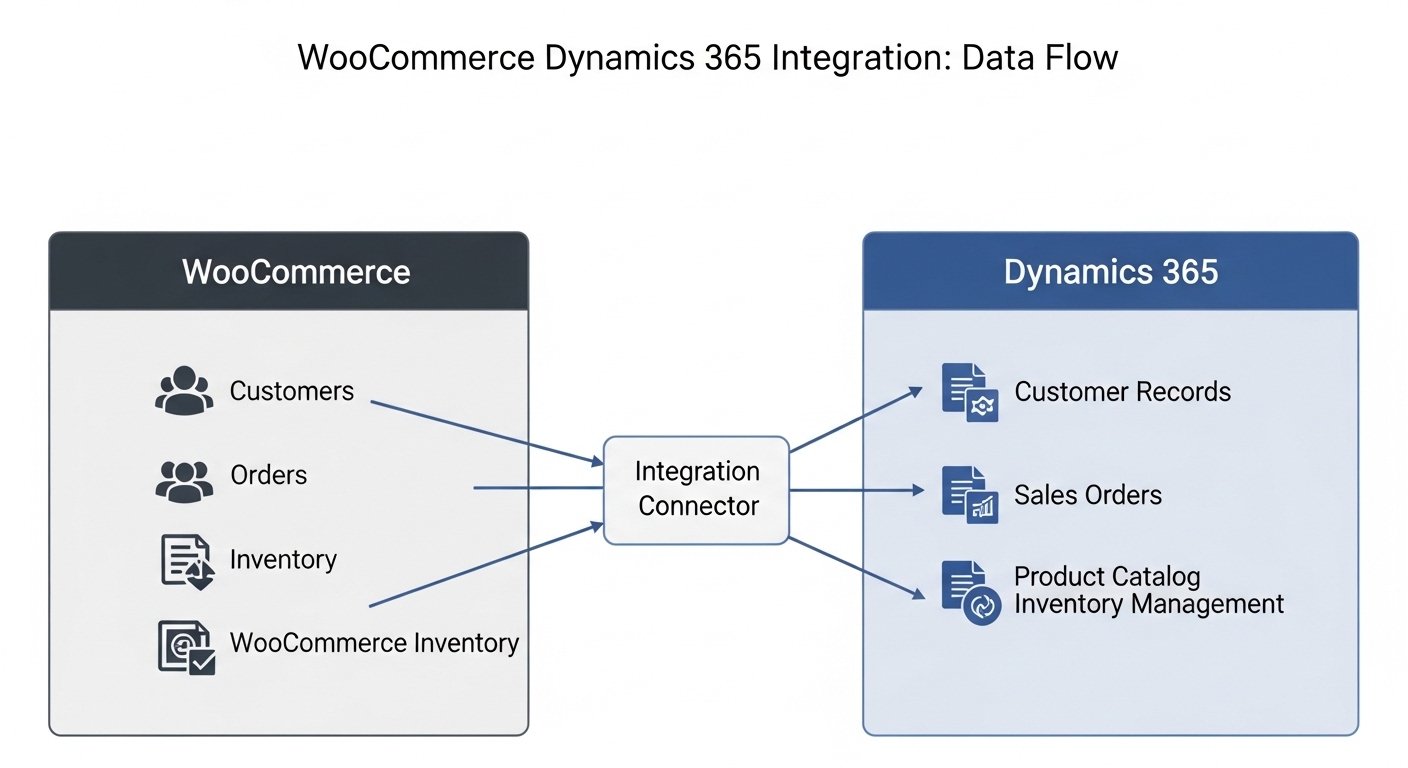
The integration works through a connector or middleware that links WooCommerce with Microsoft Dynamics 365 Business Central. The connector handles communication between the systems and keeps information updated.
When an action happens in one system, the connector sends that data to the other system automatically.
Typical data flows include:
- Product synchronization: Product titles, prices, SKUs, and descriptions move from Business Central to WooCommerce.
- Inventory updates: Stock levels update automatically when products are sold or restocked.
- Order synchronization: WooCommerce orders appear in Business Central for processing.
- Customer data sync: Customer information is stored and updated across both systems.
- Shipment and invoice updates: Shipping status and invoices created in Business Central update the WooCommerce order.
This automated exchange keeps both systems aligned without manual intervention.
Key Data That Syncs Between WooCommerce and Dynamics 365
A successful WooCommerce ERP integration depends on keeping several types of data aligned across platforms. Each type plays an important role in daily operations.
Here are the most common types of information synchronized between the two systems:
- Products: Names, SKUs, pricing, product descriptions, and categories
- Inventory levels: Real-time stock quantity updates
- Orders: Customer orders placed on the WooCommerce store
- Customers: Customer accounts, addresses, and contact information
- Invoices and payments: Financial records generated inside Business Central
- Shipping updates: Order shipment status and tracking information
Keeping these records synced prevents mismatched data and reduces manual administrative work.
Benefits of WooCommerce Dynamics 365 Integration
Connecting WooCommerce with Business Central improves operational efficiency and data accuracy. Instead of managing disconnected systems, businesses operate with consistent information across the entire sales process.
Companies usually see improvements in several areas once integration is implemented.
Key benefits include:
- Reduced manual work because order and inventory data sync automatically
- Fewer data entry errors due to automated information exchange
- Better inventory visibility across the online store and warehouse
- Faster order processing since orders appear directly in the ERP
- Improved financial tracking because sales data flows into accounting records
These improvements help businesses manage growth without increasing administrative workload.
Manual Process vs Integrated Workflow
Before integration, many businesses rely on manual processes to transfer data between their online store and ERP system. This approach quickly becomes inefficient as order volume grows.
The table below shows the difference between manual operations and an integrated WooCommerce ERP workflow.
| Process | Without Integration | With WooCommerce Dynamics 365 Integration |
| Order handling | Orders copied manually into ERP | Orders sync automatically |
| Inventory updates | Stock updated manually | Real-time inventory sync |
| Customer records | Stored separately in both systems | Shared and synchronized |
| Accounting | Sales entered manually | Orders flow into accounting automatically |
| Operational efficiency | Slower and error-prone | Faster and more reliable |
This comparison shows why integration becomes essential as an online store grows.
Common Integration Methods
Businesses connect WooCommerce with Business Central using different technical approaches depending on their needs and system complexity.
The most common options include connectors, middleware, and custom integrations.
- Pre-built connectors: Ready-made tools designed specifically for WooCommerce and Business Central integration.
- Middleware platforms: Integration platforms that connect multiple systems through APIs.
- Custom API integration: A fully customized connection built using WooCommerce and Business Central APIs.
Most businesses prefer connectors because they require less development work and provide reliable synchronization.
Challenges Businesses Face Without Integration
Running WooCommerce without ERP integration often creates operational problems as order volume increases. Teams spend hours copying data between systems and fixing mistakes.
These issues may seem small initially, but they grow quickly as the business scales.
Typical challenges include:
- Inventory mismatches between the store and warehouse
- Delayed order processing due to manual entry
- Customer data inconsistencies across systems
- Accounting delays because sales records must be entered manually
- Higher operational workload for staff
Integration helps remove these bottlenecks by automating the flow of information.
Reliable WooCommerce and Business Central Integration Support
Connecting WooCommerce with Microsoft Dynamics 365 Business Central requires a stable connector that keeps orders, inventory, customers, shipments, and invoices synchronized accurately. When the integration works correctly, businesses can manage operations from a single system while their online store continues to run without interruption.
At New Wiz Tech, we help businesses connect their WooCommerce stores with Business Central so data flows automatically between the two systems. Our integration solutions keep products, inventory, orders, and customer records fully synchronized in real time. This reduces manual work, prevents data inconsistencies, and helps teams manage eCommerce operations more efficiently while focusing on growth rather than system management.
WooCommerce Dynamics 365 Integration Explained
Need help connecting WooCommerce with Microsoft Dynamics 365 Business Central? Our team can guide you through integration, setup, and data syncing so your store and ERP work together smoothly.
Free Consultation Session
Conclusion
WooCommerce Dynamics 365 integration helps businesses manage their online store and operational systems as one connected workflow. Instead of handling orders, inventory, and financial records separately, integration keeps everything synchronized automatically. This reduces errors, improves inventory visibility, and speeds up order processing.
For growing eCommerce businesses, connecting WooCommerce with Microsoft Dynamics 365 Business Central often becomes necessary once order volumes increase. With the right integration solution, companies can maintain accurate data across systems and focus on delivering better customer experiences while keeping internal operations organized and efficient. Reliable integration support also ensures the system continues to work smoothly as the business grows.
FAQ’s
What is WooCommerce Dynamics 365 integration?
Is WooCommerce Dynamics 365 integration suitable for small businesses?
How long does WooCommerce Business Central integration take?
Why is ERP integration important for eCommerce stores?