AL Process Automation: Automating Bulk Record Corrections using AL Code
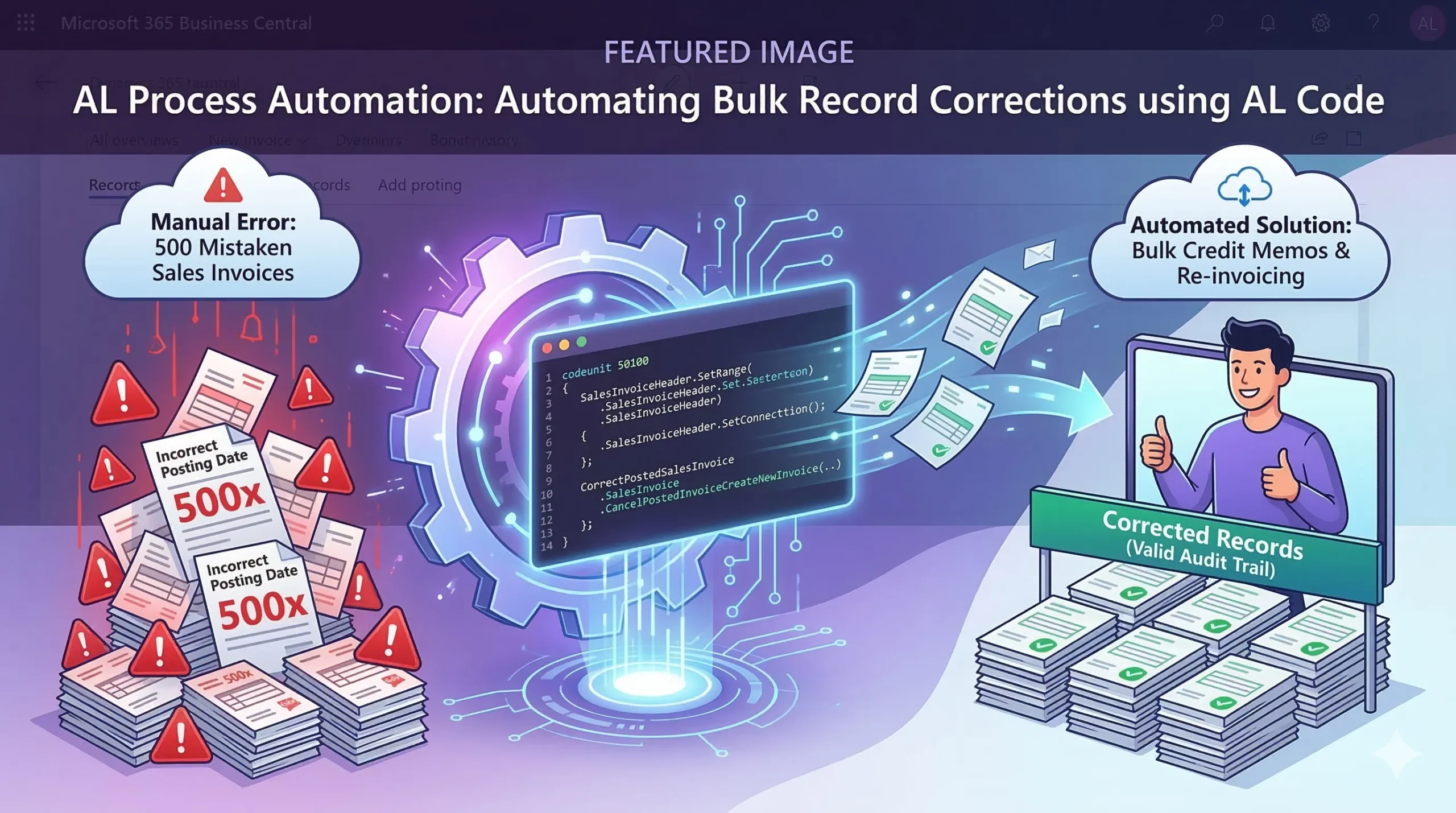
AL Process Automation is the saving grace for Dynamics 365 Business Central admins when someone accidentally posts hundreds of documents with the wrong date. Picture this: you log into the community forum on a Tuesday morning, grab your coffee, and see a frantic post. A user has mistakenly posted 500 sales invoices with an incorrect posting date and is begging for a way to just tweak the backend tables without manually creating credit memos.
The Trap of Direct Data Manipulation
Community experts are always quick to shut this down, and for very good reason. It is universally agreed that modifying posted invoice dates directly is a terrible idea. Altering historical tables violates core system logic and completely ruins your audit trail.
When you forcefully change a date on a posted document, you corrupt your General Ledger, mismatch VAT records, and severely complicate customer statements. Business Central is built on strict accounting principles, meaning once a document is posted, it is locked into history for compliance.
The Standard Workflow: Credit Memos
The official, Microsoft-supported way to fix an incorrect posting date is to reverse the transaction. This involves generating a credit memo for the faulty invoice, applying it to close out the incorrect ledger entries, and then drafting a brand-new invoice with the right posting date.
But let us be real: doing this manually for a couple of invoices is an annoyance. Doing it for 500 invoices is an administrative nightmare that no one has time for.
Leveraging AL Code for Bulk Corrections
This is exactly where custom batch processing shines. Instead of manual data entry or reckless database manipulation, developers can build a targeted AL code extension to handle the heavy lifting.
By leveraging the built-in system functions, you can automate the creation of credit memos and the generation of new draft invoices. Here is a simple example of how you might structure this logic:
|
1 2 3 4 5 6 7 8 9 10 11 12 13 14 15 16 17 18 19 |
codeunit 50100 "Bulk Correct Invoices" { trigger OnRun() var SalesInvoiceHeader: Record "Sales Invoice Header"; CorrectPostedSalesInvoice: Codeunit "Correct Posted Sales Invoice"; begin // Filter for the 500 incorrectly posted invoices SalesInvoiceHeader.SetRange("Posting Date", 20230801D); if SalesInvoiceHeader.FindSet() then begin repeat // Automate the cancellation and recreation process CorrectPostedSalesInvoice.CancelPostedInvoiceCreateNewInvoice(SalesInvoiceHeader); until SalesInvoiceHeader.Next() = 0; end; end; } |
Why This Method Works
By writing a custom batch AL process, you adhere strictly to Microsoft’s supported correction workflows while easily fulfilling the user’s need for bulk processing. The system automatically handles the reversing ledger entries, applies the correct VAT logic, and leaves a pristine audit trail.
The next time you are faced with a massive batch of user errors, remember that automating bulk record corrections using proper code is vastly superior to bypassing the system’s accounting rules.