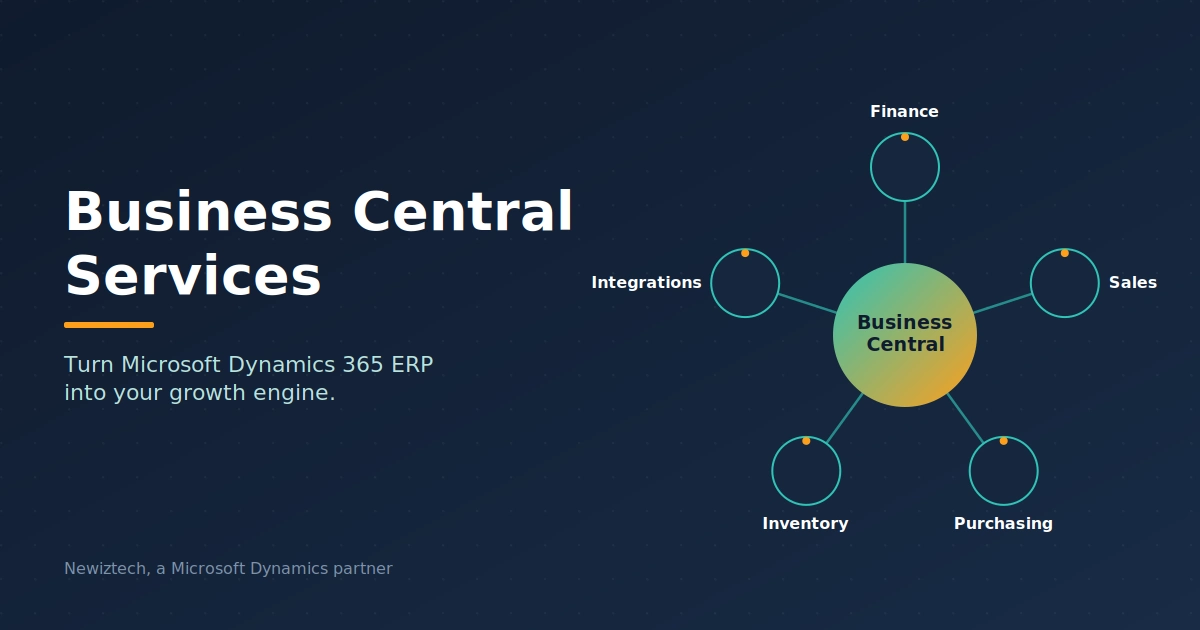
Business Central Services That Turn Microsoft ERP Into Your Growth Engine
Buying a license for Microsoft Dynamics 365 Business Central is the easy part. Getting the system to match how your business actually runs, that is where most companies struggle. Teams start with good intentions, import a chart of accounts, create a few items, and then discover their inventory flow, sales process, or reporting does not line up with the software. Weeks go by, users build manual workarounds, and the ERP starts to feel like an obstacle instead of an asset.
This is exactly why professional business central services exist. They close the gap between what the software can do out of the box and what your business needs it to do every single day. In this guide, we walk through what these services include, why they matter, what they cost, and how to choose a partner who will not leave you with a half configured system.
At Newiztech, we have spent years inside Business Central environments across retail, eCommerce, manufacturing, and distribution. Everything in this guide comes from that hands on experience, not from a product brochure.
What Business Central Services Actually Include
The phrase business central services covers a wide range of work. At its core, it means every activity involved in making an ERP system live, usable, and valuable for a specific organization: scoping, configuration, data migration, integrations, custom development, training, and long term support.
Microsoft positions Business Central as an all in one business management solution for small and mid sized companies, and the product is genuinely capable. But capability on its own does not create outcomes. A business that sells through multiple online channels has very different needs from a business that runs a warehouse or a service company. Skilled business central services translate the platform into a system that fits one specific company, its people, and its processes.
A useful way to think about it: the software is the engine, and business central services are the engineering work that connects that engine to your actual vehicle. Without that connection, you own horsepower that never reaches the road.
Why Companies Invest in Professional Business Central Services
Every failed ERP story follows a similar pattern. Someone underestimates the work between buying software and using it well. Here is what structured business central services prevent:
- Costly misconfiguration. Wrong posting groups, a broken chart of accounts, or incorrect inventory costing setups create financial reporting problems that take months to untangle.
- Slow user adoption. When the system fights how people actually work, staff quietly return to spreadsheets. Adoption is a design problem, not a training flyer problem.
- Dirty data migration. Moving customers, vendors, items, and open balances without a validated plan produces duplicate records and reconciliation nightmares.
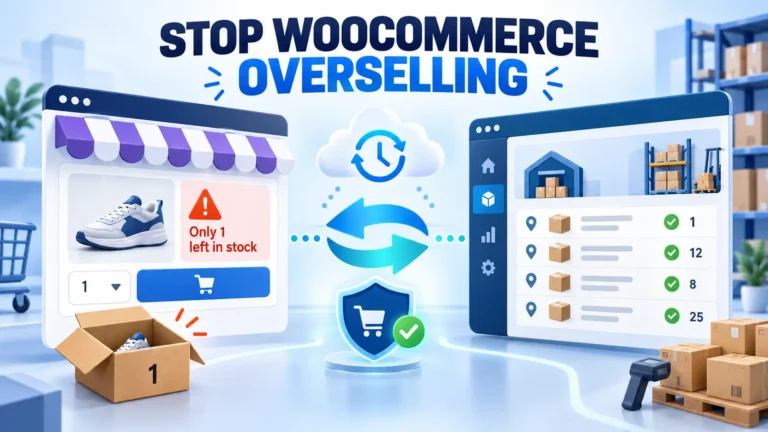
- Disconnected systems. An ERP that does not talk to your storefront, payment processor, or POS creates manual re entry that erodes the entire point of centralization.
End-to-end ERP services exist to handle these risks in a planned, tested way instead of leaving them to chance. Companies that invest in proper business central services typically go live faster, with cleaner data, and with staff who actually trust the system. Companies that skip them usually pay more later, either in rework or in the quiet cost of working around their own ERP.
Our Full Range of Business Central Services
Below is how we structure business central services at Newiztech. Most clients combine several of these into a single engagement, but each one also stands on its own.
Dynamics 365 Business Central Consulting
Everything starts with listening. During the consulting phase, we map how your business currently operates: how orders arrive, how inventory is valued, how approvals flow, and what reporting leadership needs to make decisions. Then we design the target setup inside Business Central.
Dynamics 365 Business Central consulting is not a slide deck exercise. It produces a concrete configuration blueprint: dimensions, posting groups, number series, approval workflows, role centers, and a prioritized integration list. Because we implement Business Central across many industries, we can often show you two or three proven ways to solve a problem instead of inventing a solution on your budget.
A good example is inventory. Many clients struggle with stock accuracy and count processes, so the design phase covers item tracking and warehouse setup early. This is also where our Business Central eCommerce integrations work begins to matter, because online sellers need item data, pricing, and stock levels to flow correctly from day one. It is the difference between generic ERP consulting services and consulting delivered by people who work inside the product daily.
Business Central Setup and Support
Business central setup and support covers the practical build and the safety net that follows it. On the setup side, it means configuring finance, sales, purchasing, and inventory properly, then validating everything with real transactions before go live. On the support side, it means having someone to call when a posting behaves unexpectedly, a user is stuck, or a month end process needs checking.
Ongoing business central services of this kind usually include:
- Help desk response for functional and technical questions
- System health checks after major Microsoft updates
- Bug fixes and configuration corrections
- Guidance on new features in each release wave
- Monitoring of integrations and automated jobs
Microsoft ships two major release waves per year, and the Dynamics 365 release plans on Microsoft Learn describe what is coming next. A support partner keeps your environment compatible and helps you adopt new capabilities instead of fearing them.
Setup done right also affects daily operations. Warehouse teams, for example, live or die by count accuracy, which is why we treat real time inventory counting inside Business Central as a core design decision rather than an afterthought. When setup and support come from the same team, fixes happen once instead of being re diagnosed by a stranger every quarter.
Business Central Deployment
Business central deployment is the structured move from old system to new. Whether you are coming from QuickBooks, an older NAV installation, spreadsheets, or a competitor ERP, the process needs the same discipline:
- Environment planning. Choosing sandbox and production tenants, regions, and licensing structure.
- Data migration. Extracting, cleansing, mapping, and validating master data and open transactions. Often more than once.
- Configuration and testing. Applying the blueprint and running user acceptance tests with real scenarios.
- Cutover. Freezing the old system, completing the final migration, and opening the new one on a planned date.
- Hypercare. Extra support during the first weeks while users build confidence.
A disciplined deployment removes the guesswork. The official Business Central documentation on Microsoft Learn is a strong reference, but documentation describes the software. Deployment experience tells you which migration path works for your specific source system, and that knowledge only comes from doing the work repeatedly. It is one of the clearest reasons to buy business central services as a package rather than as isolated hours.
Business Central Onboarding and Training
Go live is the beginning, not the finish line. Business central onboarding focuses on making your team independent. We train by role, not by menu. Order entry staff learn their screen flow. Accountants learn their posting and reconciliation flow. Managers learn their role center and reports.
Good onboarding includes short recorded walkthroughs, quick reference guides, and follow up sessions after users have had a few weeks of real work. The goal of this part of business central services is simple: once the engagement ends, your team should not need a consultant for daily operations.
Training also protects your investment after Microsoft updates the product. Business Central evolves twice a year, and new features land in role centers whether users notice them or not. A partner who delivered your onboarding can turn each update into a short refresher instead of leaving your team to rediscover the system on their own.
Integrations, Connectors, and App Extensions
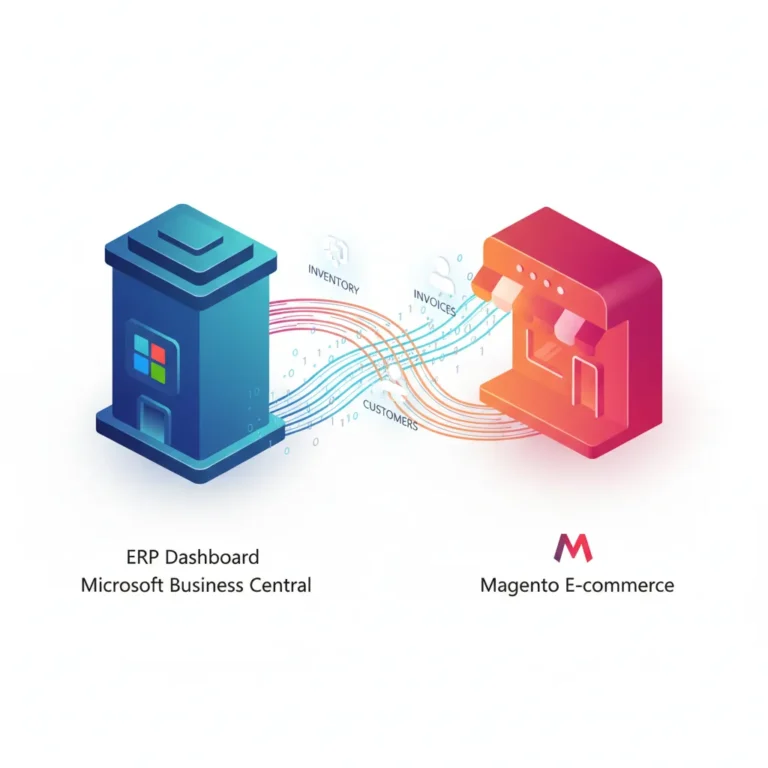
Business Central rarely lives alone. Modern companies connect it to storefronts, payment gateways, POS systems, and marketplaces. This is one of the strongest areas of our Microsoft Dynamics partner services.
If you sell through a web store, syncing orders, customers, inventory, and shipping data removes hours of manual work every week. We have built and maintained dedicated connectors for major platforms, including the Shopify connector for Business Central, along with connectors for WooCommerce, Magento, Shopware , OpenCart, and nopCommerce. On the payments side, our Stripe connector for Business Central makes sure online transactions settle cleanly into your ledger without manual matching.
Where a packaged app is the better route, we source vetted extensions from Microsoft AppSource, the official marketplace, and configure them to fit your processes. Where nothing suitable exists, we develop custom functionality. This integration layer is often the difference between an ERP people tolerate and an ERP people prefer over the old way, and it is where business central services deliver some of the fastest measurable returns.
How Our Business Central Services Process Works
Transparency builds trust, so here is exactly how a typical engagement runs. The same structure applies whether we deliver a full implementation or a focused project.
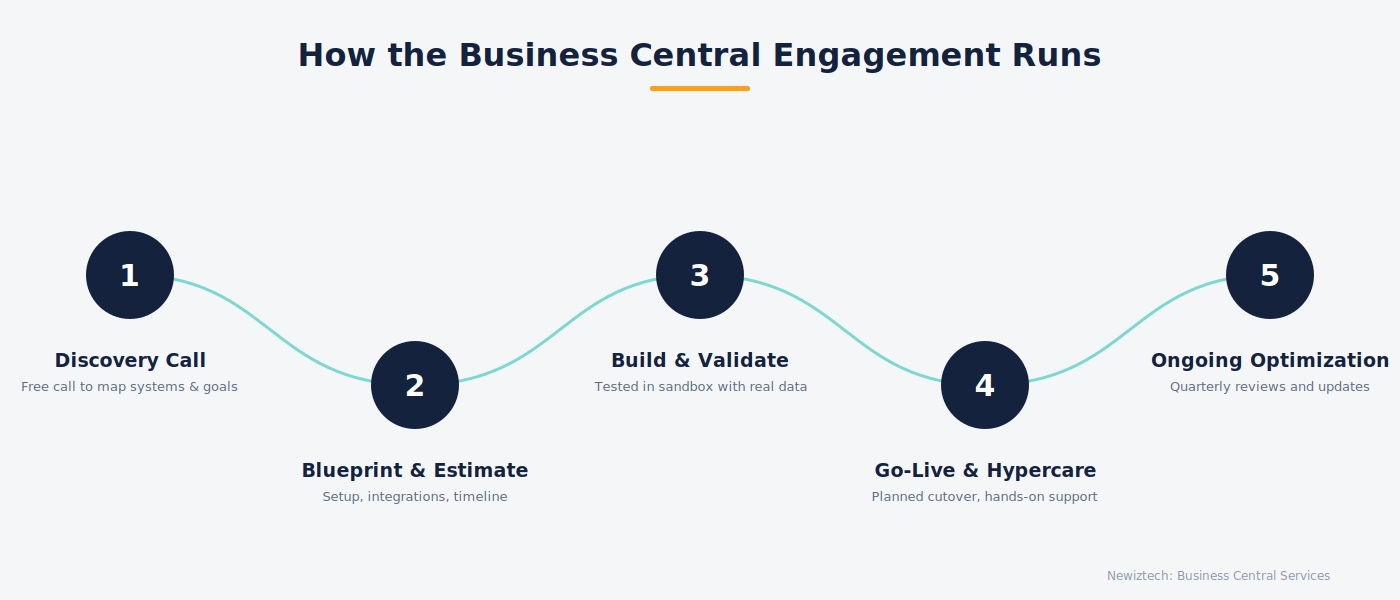
Step 1: Discovery Call
A free conversation about your business, current systems, pain points, and goals. We ask more than we talk, because accurate scoping depends on understanding your reality before proposing anything.
Step 2: Blueprint and Estimate
We document requirements, propose the target setup, list integrations, and give a clear timeline with milestones. No vague ranges. You see what will be done, in what order, and why it matters.
Step 3: Build and Validate
We configure in a sandbox first. Your team tests with real scenarios and real data. Only after sign off do we move anything to production. This is how end-to-end ERP services protect you from going live with untested assumptions.
Step 4: Go Live and Hypercare
Cutover happens on a planned date with a rollback plan in place. Then we stay close for the first weeks, answering questions quickly and smoothing out friction before it becomes habit.
Step 5: Ongoing Optimization
After go live, business central services shift into a rhythm of reviews, quarterly improvements, and update readiness. Most of our long term clients add capabilities gradually rather than all at once, which keeps adoption high and budgets predictable.
Signs You Need Expert Business Central Services
Not every company needs every service, but these signals almost always mean professional help will pay for itself:
- You bought licenses months ago and still have not gone live
- Month end close takes days of spreadsheet reconciliation
- Your storefront and your ERP show different inventory numbers
- Users have built shadow spreadsheets around the system
- You are entering the same order in two or more places
- Reporting requires manual exports and manual cleanup every week
- A major update is coming and nobody knows what will break
If two or three of these sound familiar, structured business central services will typically deliver a fast, measurable return. The cost of workarounds is invisible because it hides inside labor hours, but it is real, and it compounds every month.
What Business Central Services Cost
Honest pricing talk builds trust, so here is a realistic view. Cost depends on scope, and scope depends on where you start.
| Engagement type | Typical shape | What drives the price |
| Consulting and scoping | Blueprint and design review | Number of processes and locations |
| Setup and configuration | Finance, sales, inventory setup | Number of entities and complexity |
| Data migration | Master data and open balances | Data quality and source system type |
| Integrations | Storefront, payments, POS | Number of platforms and data volume |
| Training and onboarding | Role based sessions | Number of users and roles |
| Ongoing support | Monthly retainer or blocks | Response times and coverage hours |
Three honest observations from our project history:
- The cheapest quote is rarely the cheapest project. Under scoping is the most expensive mistake in ERP because every correction after go live costs more than doing it right during setup.
- Clean data saves money. Clients who tidy their item and customer lists before migration routinely cut migration hours by a third.
- Phased delivery works. Going live with core finance and sales first, then adding integrations and advanced features, spreads cost over quarters without sacrificing momentum.
A good business central services partner will tell you which phases can wait. A bad one will quote everything at once and hope you sign.
How to Choose a Microsoft Dynamics Partner
Since you are evaluating business central services, here is the checklist we would use if we were the buyer:
- Relevant industry work. Ask for two references from companies that look like yours, not just logos on a website. You can see what our clients say on the Newiztech testimonials page, and you should expect any partner to offer the same transparency
- A written methodology. Discovery, blueprint, sandbox testing, cutover, hypercare. If the process is not written down before the contract, it will not appear after it.
- Own platform experience. A partner that builds connectors and apps for Business Central understands the system below the surface, not just the configuration screens. You can verify a firm’s standing through the Microsoft partner directory, which lists partners and their solution areas
- Clear support terms. Response times, coverage hours, and what counts as an emergency. Get it in writing.
- No dependency by design. Good partners document everything they configure so you are never locked in. Great ones train your team until you barely need them.
Choose the team, not the brand. The person who sits in your discovery call is usually the person who will configure your system, so judge that conversation closely.
The Bottom Line
Business Central is one of the best midmarket ERP platforms available, and Microsoft keeps proving it: the 2025 release wave finished rolling out by March 2026, and the wave after it pushed Copilot further into daily work, from reading supplier invoices automatically to summarizing product performance in a KPI view. Even so, every new release still needs someone to configure it around your chart of accounts, your inventory, and your team’s actual workflow, and that comes from business central services delivered by people who have solved your specific problems before and stayed close after go live, not from the update itself. If your team is still fighting the system, or a coming update has you nervous, that is the moment to talk to us.
At Newiztech, we would rather spend thirty minutes understanding your setup than send a generic proposal. Book a discovery call and bring your actual questions.
Frequently Asked Questions
How long does a Business Central implementation take?
A focused implementation with one or two integrations typically runs 8 to 14 weeks. Complex deployments with heavy data migration or multi warehouse setups can take longer. The biggest schedule factor is usually how quickly your team can review and test, so we front load that responsibility into the plan.
Can I migrate from QuickBooks to Business Central?
Yes, and it is one of the most common paths. The technical conversion of customers, vendors, items, and chart of accounts is well understood. The real work is data quality and making sure opening balances reconcile exactly before cutover.
What is the difference between Business Central and Dynamics NAV?
Business Central is the successor to NAV. It runs on the same proven foundation but adds cloud delivery, regular feature updates, native Microsoft 365 and Power Platform integration, and a modern web client. Existing NAV customers often move to Business Central for update cadence and integration alone.
Do I need a partner, or can I self implement?
Technically you can. In practice, self implementations work only for very simple businesses with clean data and no integrations. For everyone else, business central services pay for themselves in avoided rework and faster time to value.
Will my team need training after every Microsoft update?
Not full training. Updates are incremental, and a short refresher on changed areas is usually enough. That refresh is a standard part of ongoing support arrangements.